 InHouse
Top up at the door. Tap to pay at the bar.
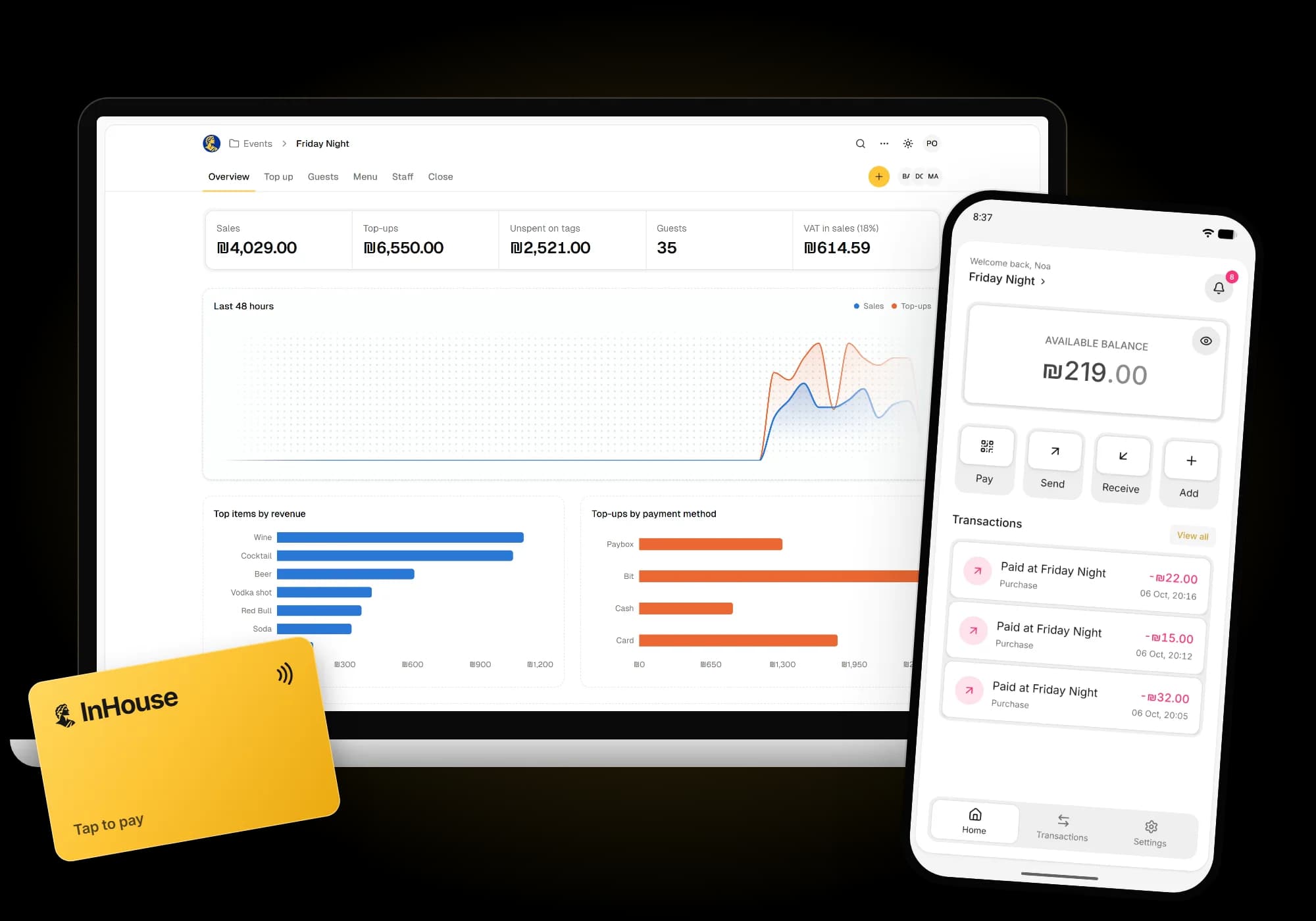
Guests pay with a tag or their phone. You see every shekel as it moves, on your phone or computer.
Set up in four steps. The bar runs in any browser.
One night, three moments
Money moves once at the door and is spent by tap. No cash behind the bar.
 01
Top up at the door
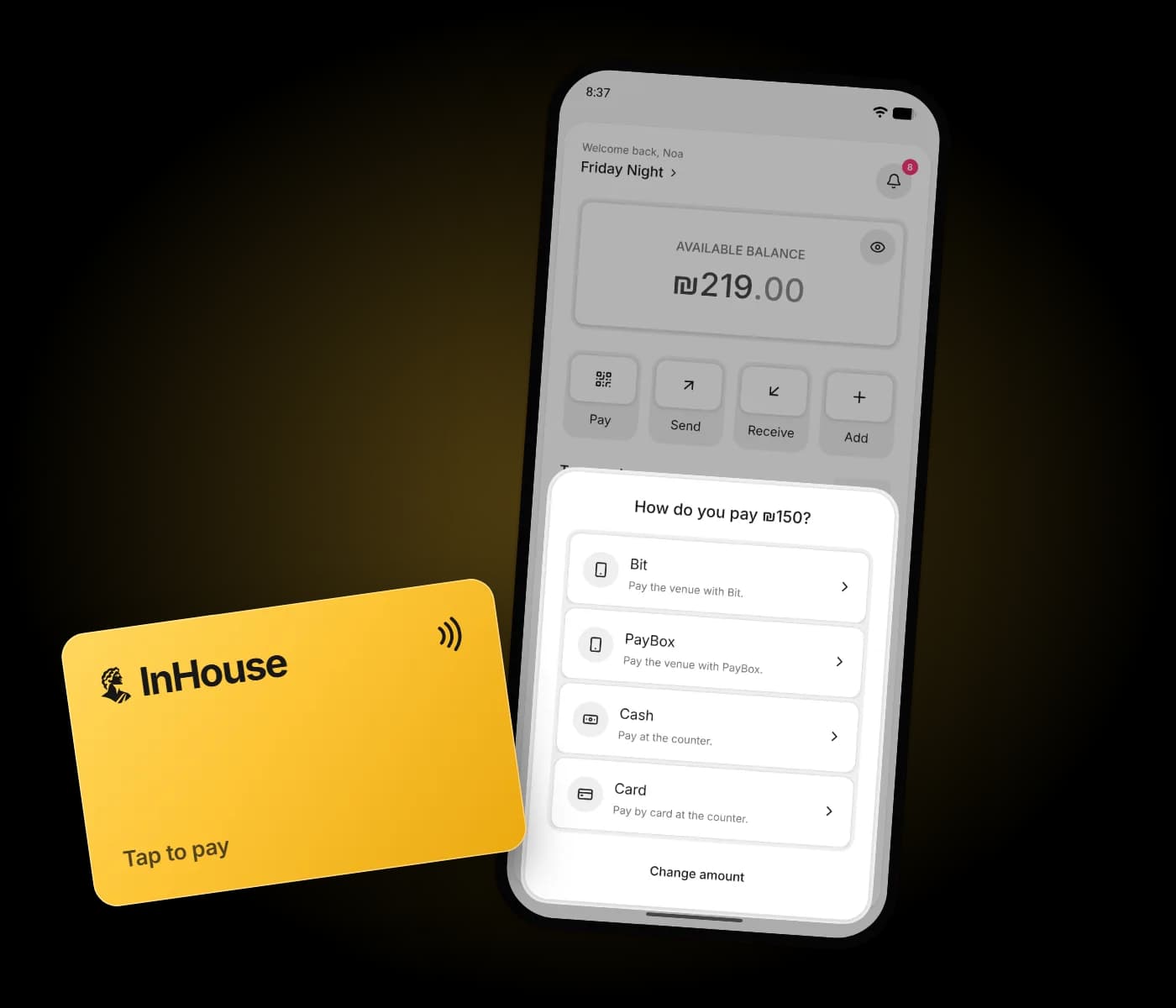
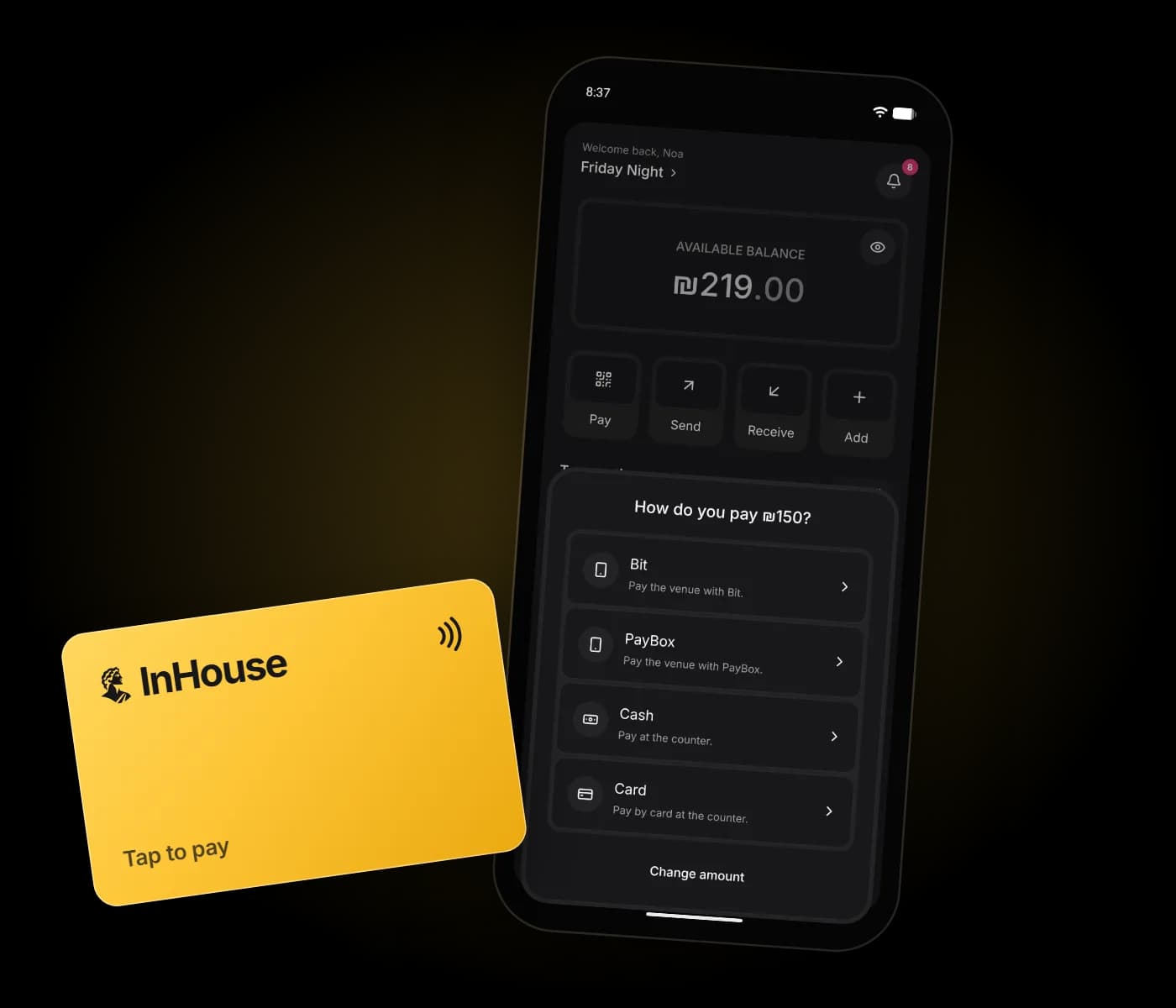
Bit, PayBox, cash or card goes onto a tag or the app. The balance is there at once.
 02
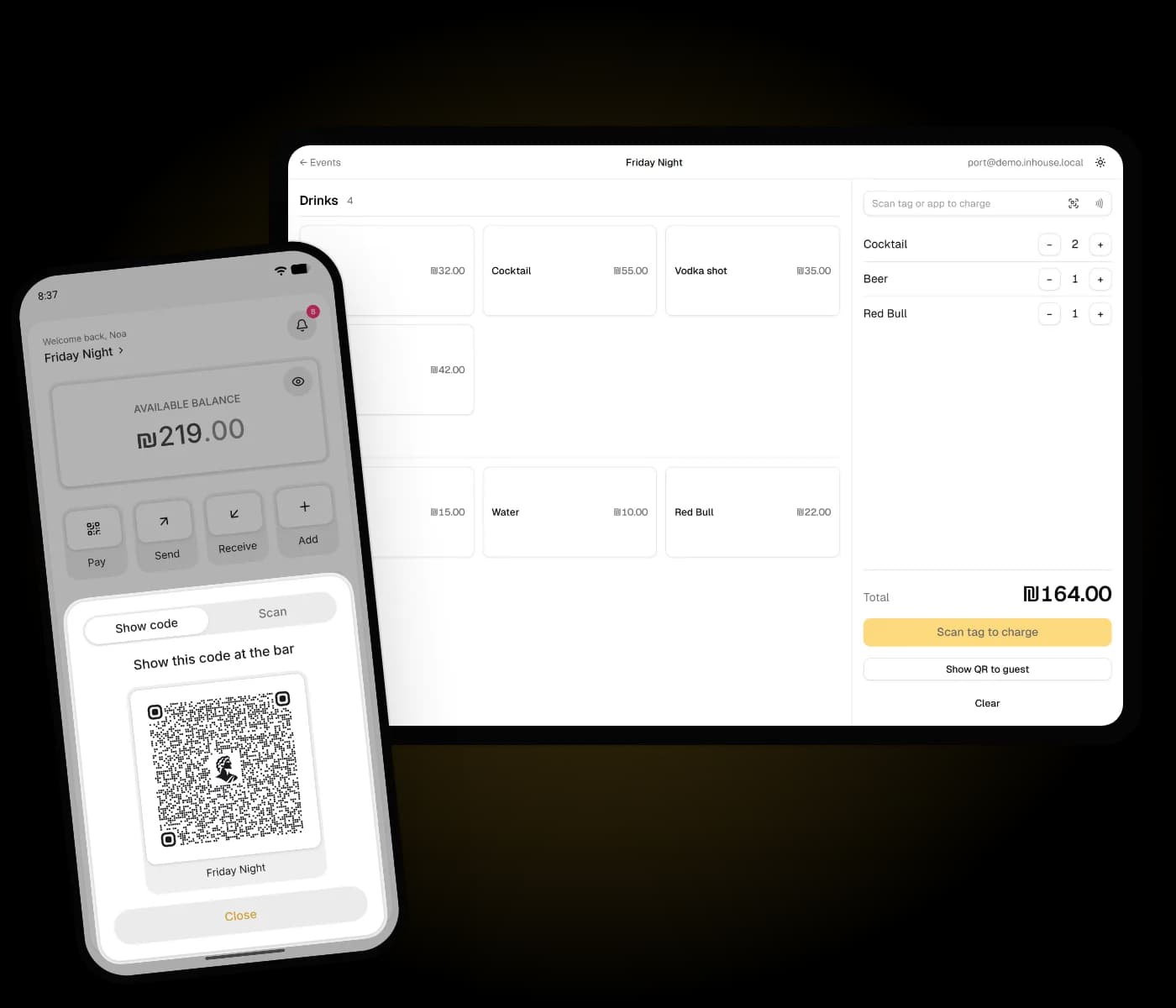
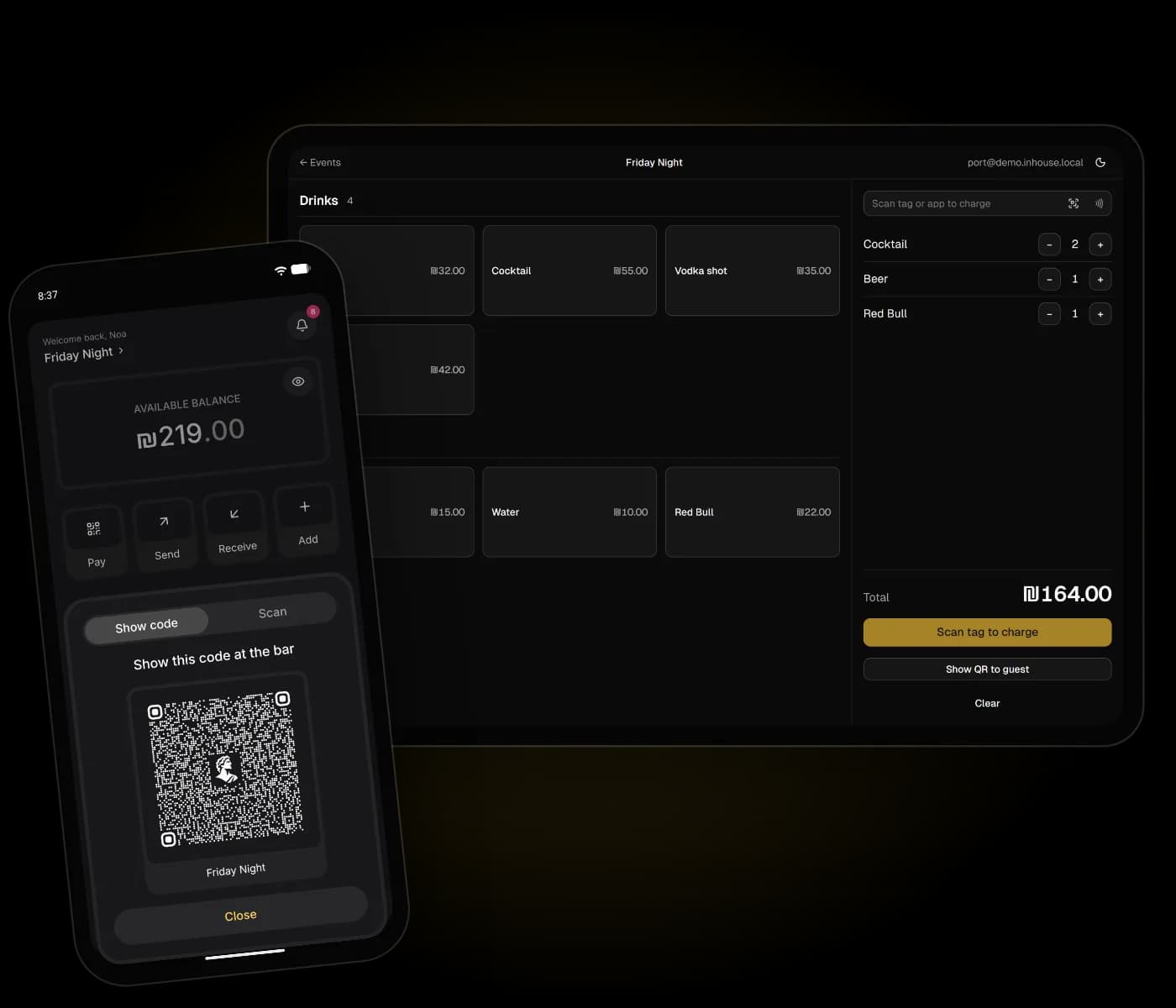
Tap to pay at the bar
The bartender picks the drinks and scans a tag, a phone or a code. No card machine queue.
 03
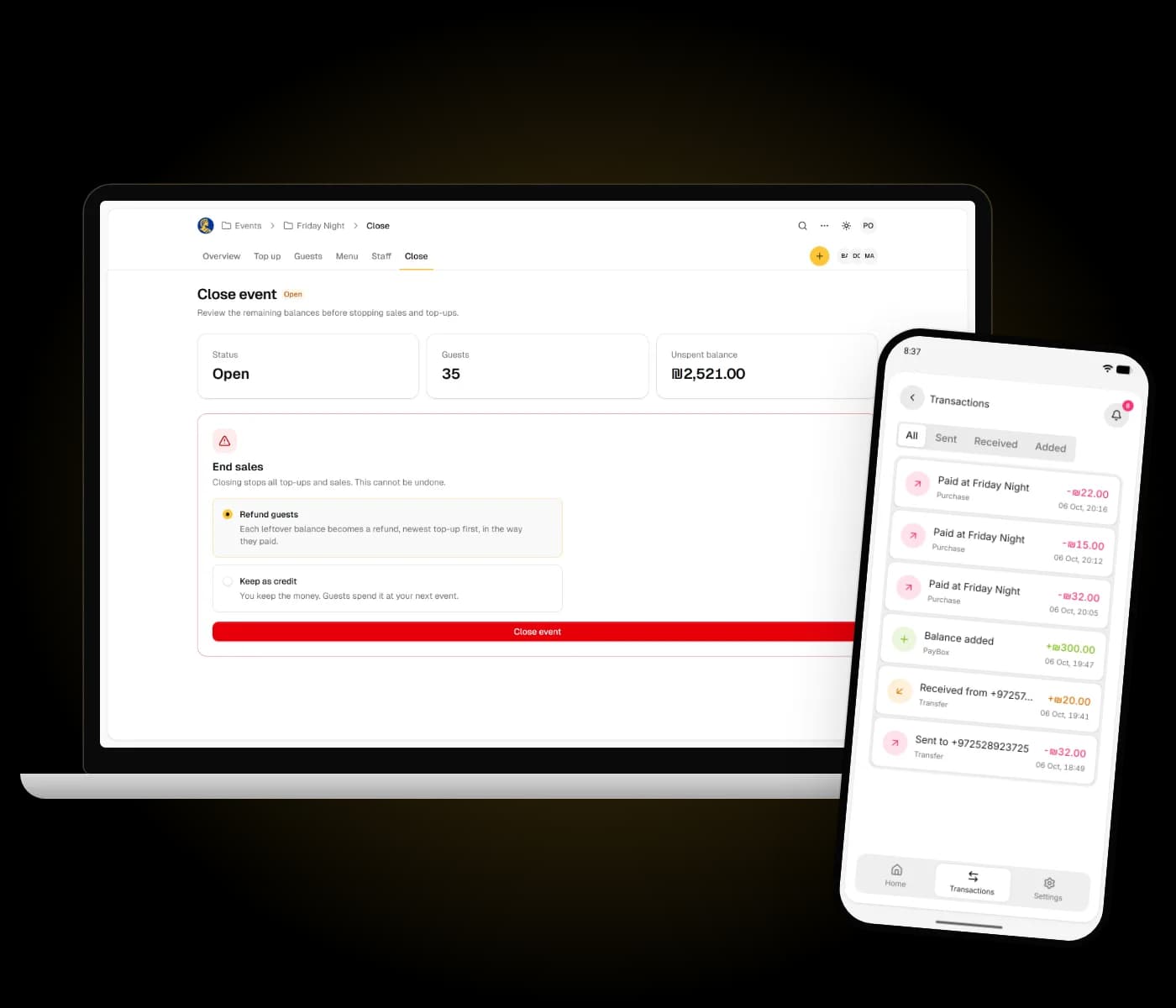
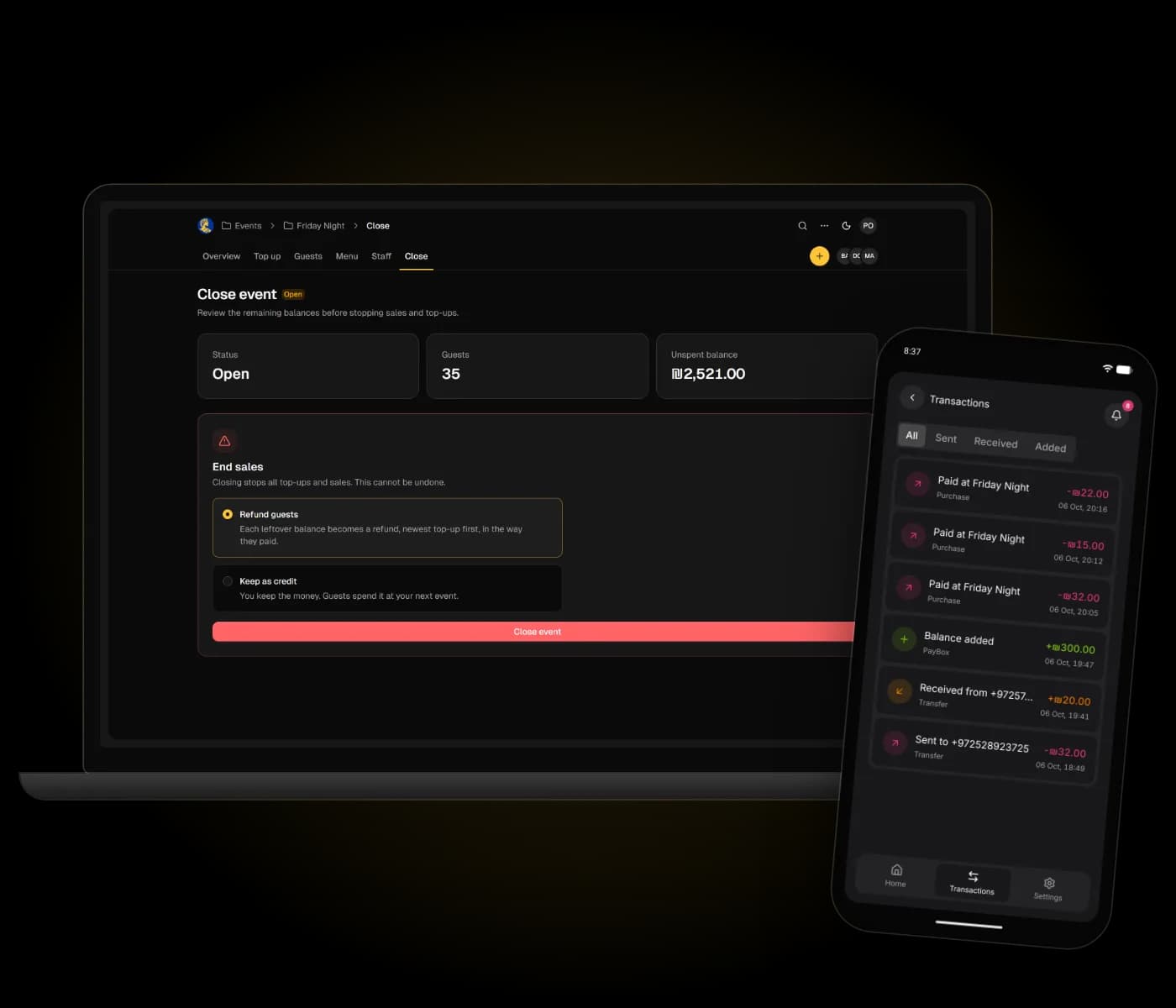
Leftover back at close
InHouse lists who is owed what. Pay it back, or keep it as credit for the next visit.
One account, every venue
Guests sign up once. Each place they visit adds its own balance to the same app.
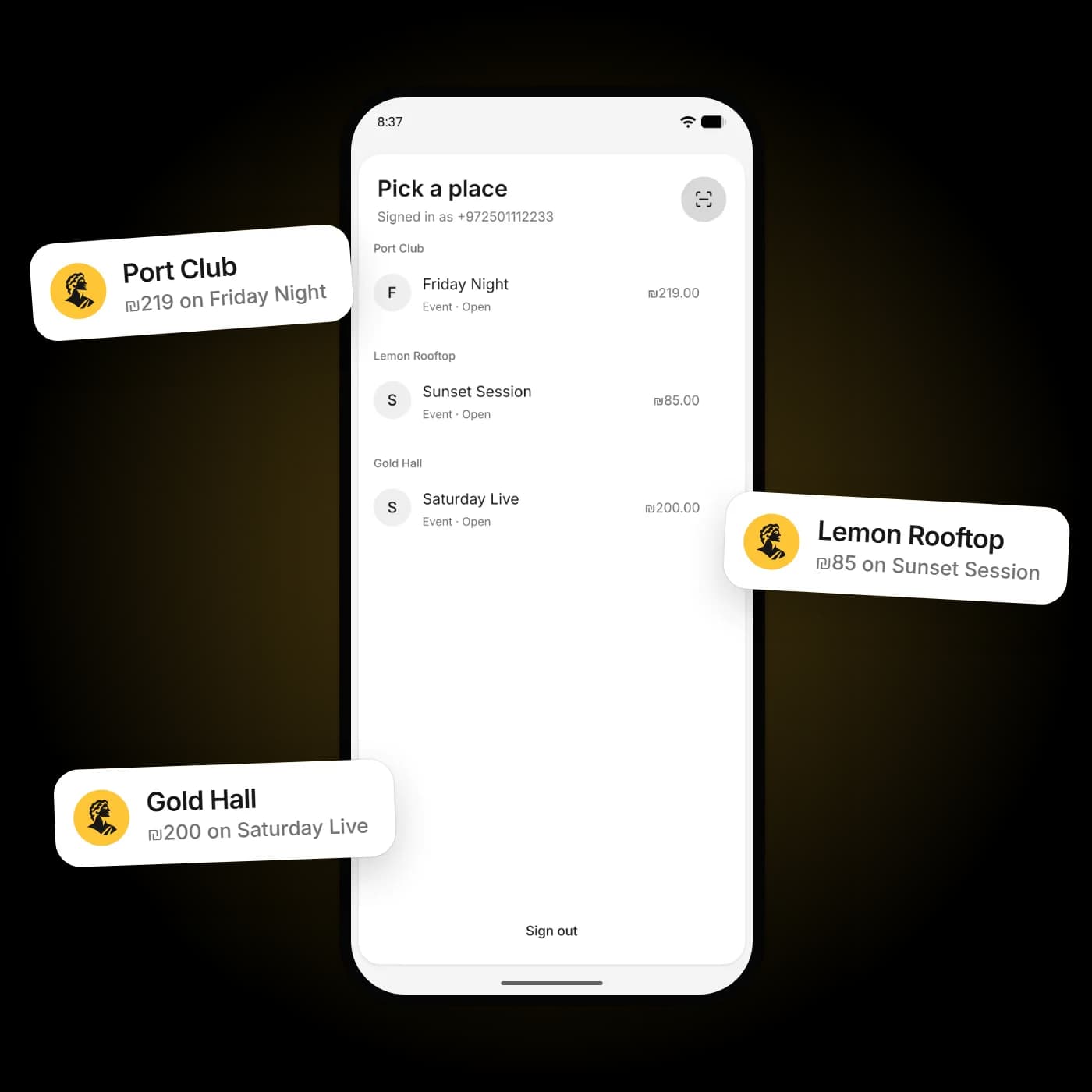
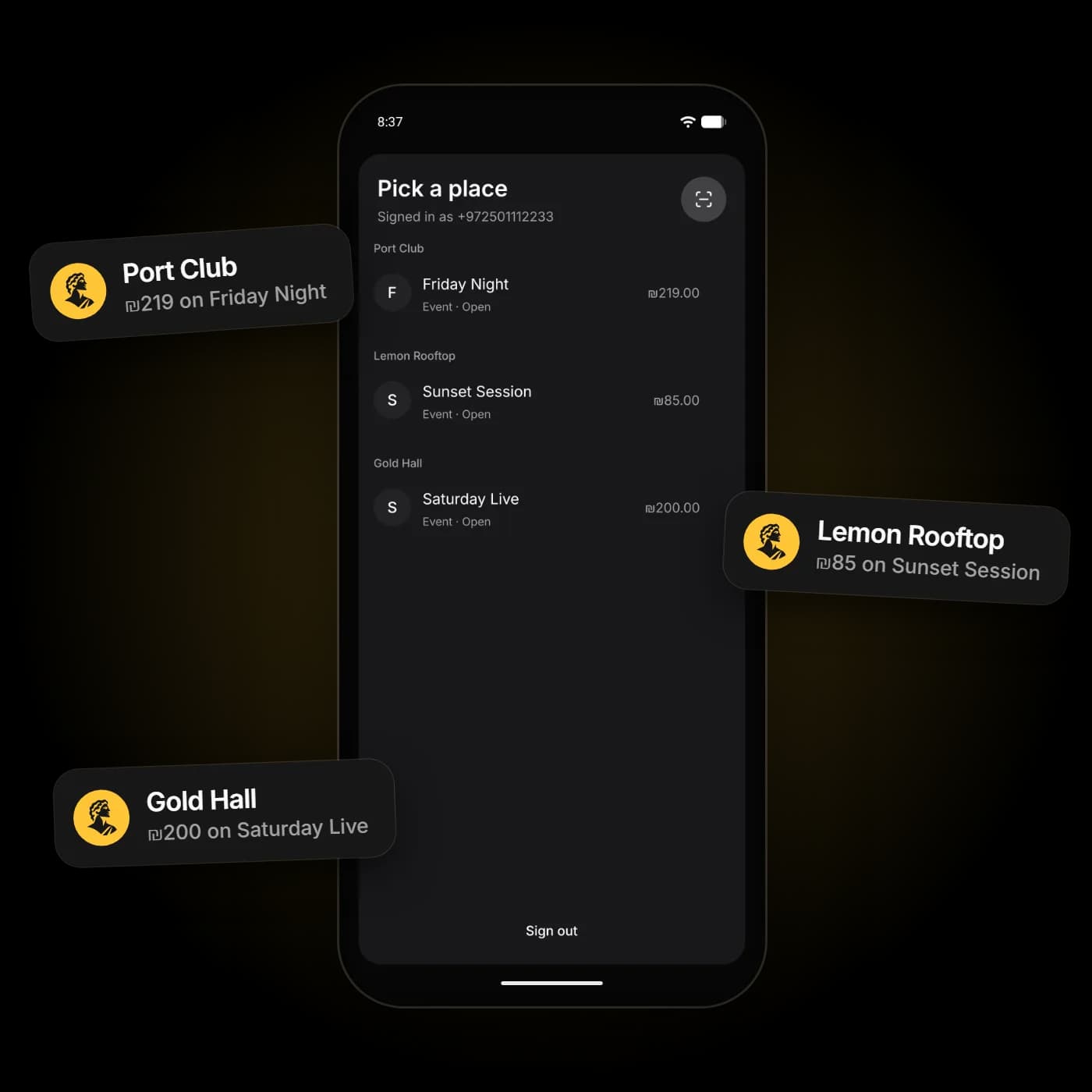
Sign up once
Phone, email or Google. Every place you go shows up in one list, each with its own balance.
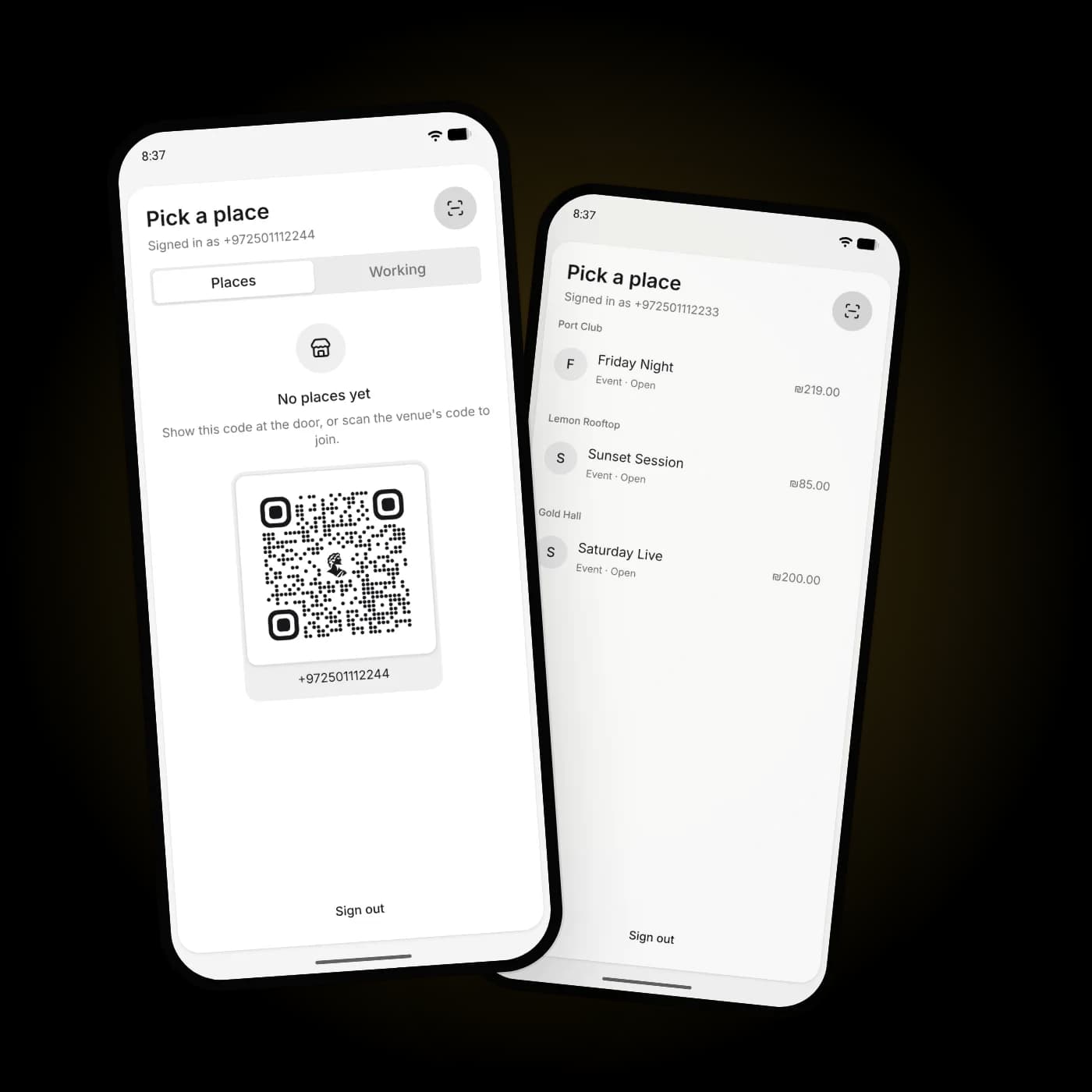
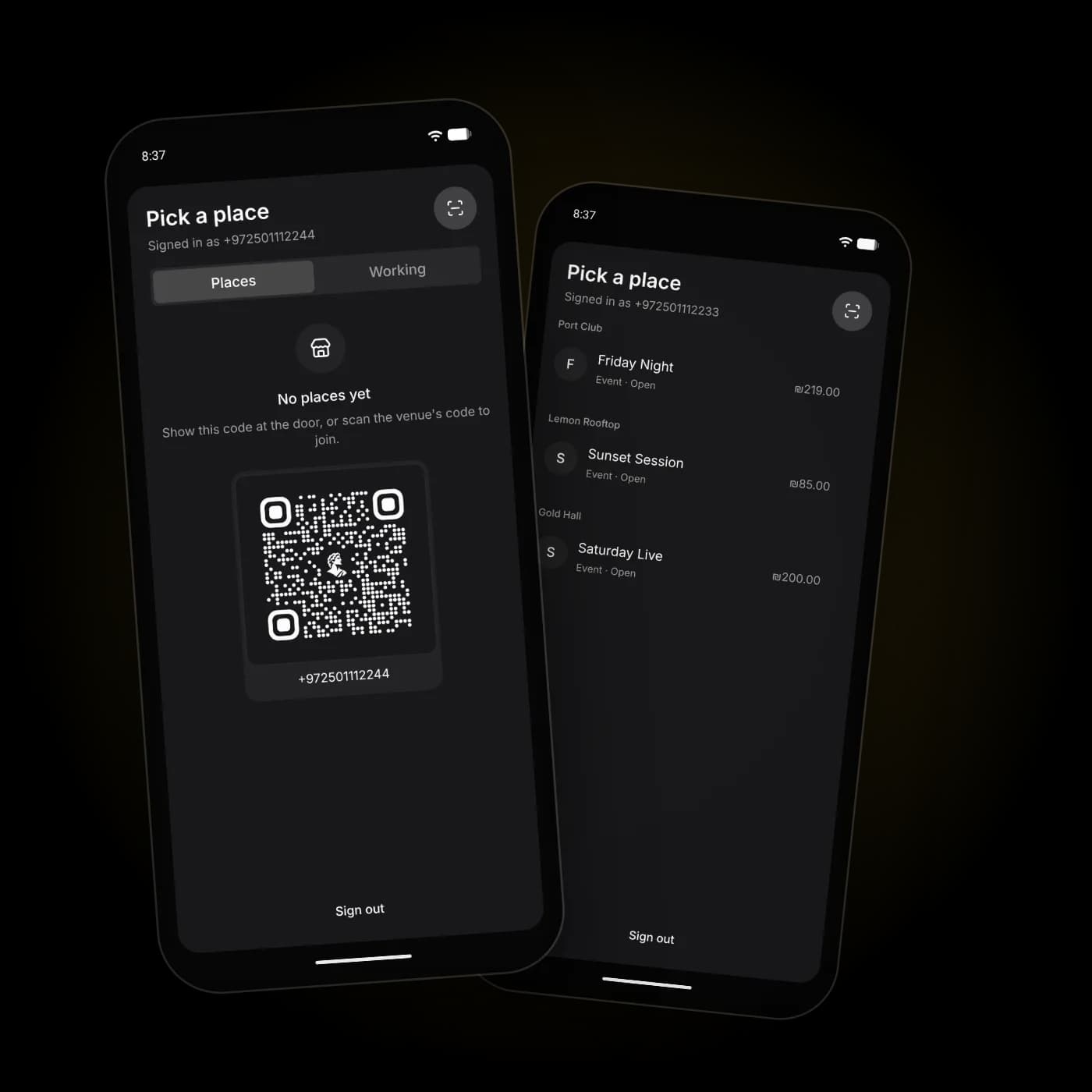
Get added, or add yourself
Show your code at the door and staff add you, or scan the venue's code. Private places approve you first.
The guest app
Optional for guests, useful all night. Their balance, a pay code and their history, per place.
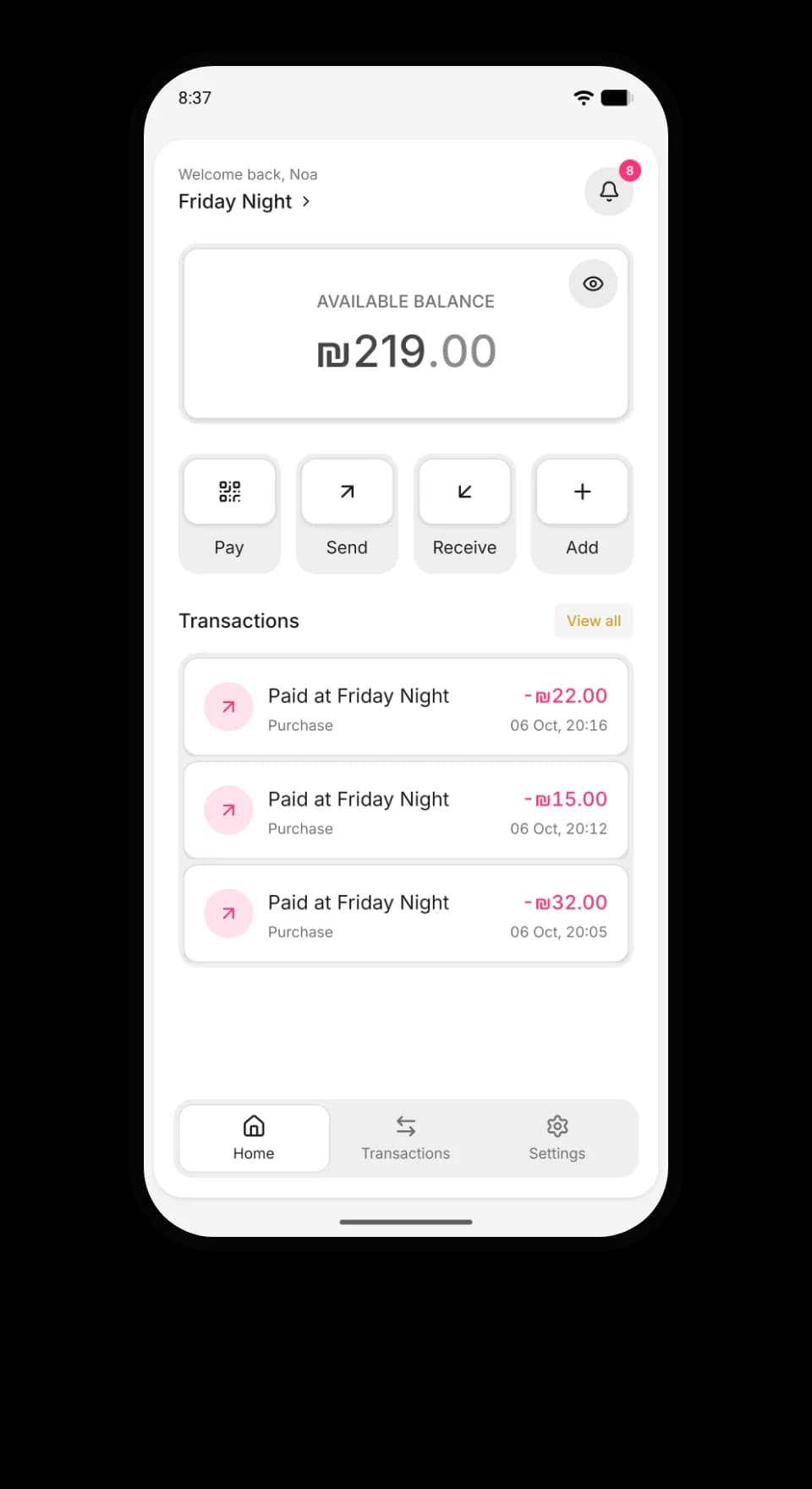
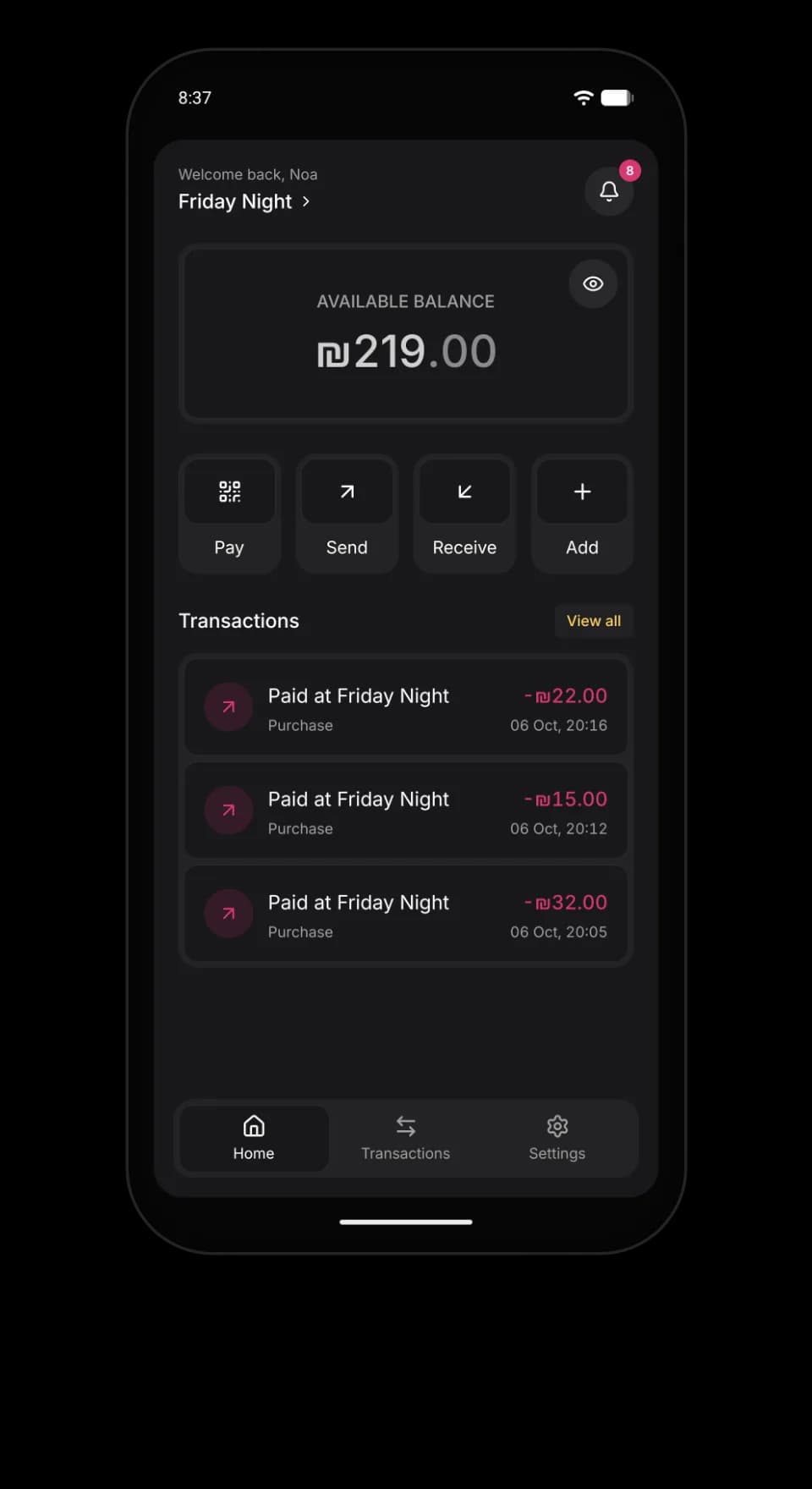
Balance at a glance
What is left here, and tonight's payments.
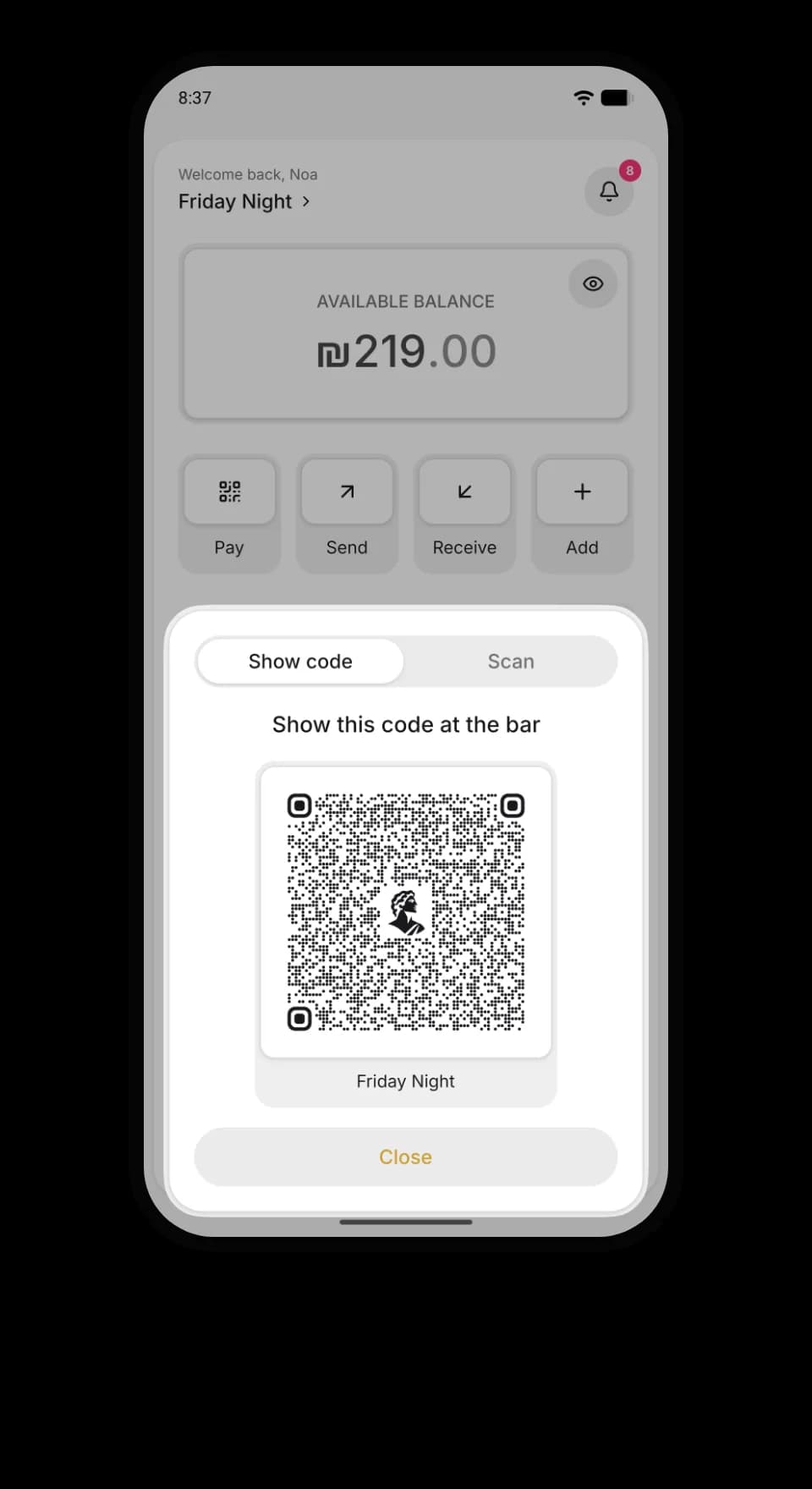
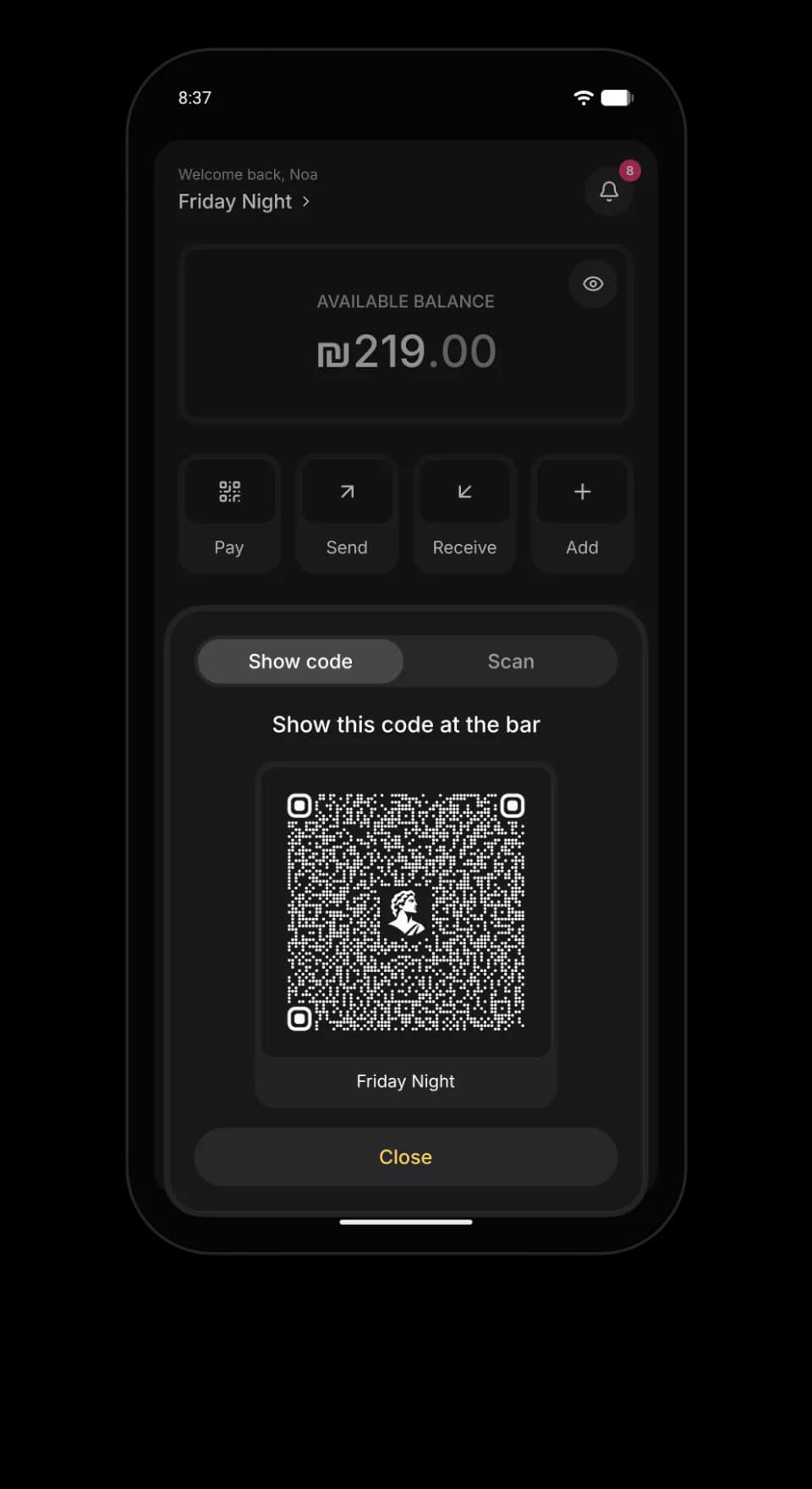
Tap or show a code
NFC on Android, or a code that keeps changing.
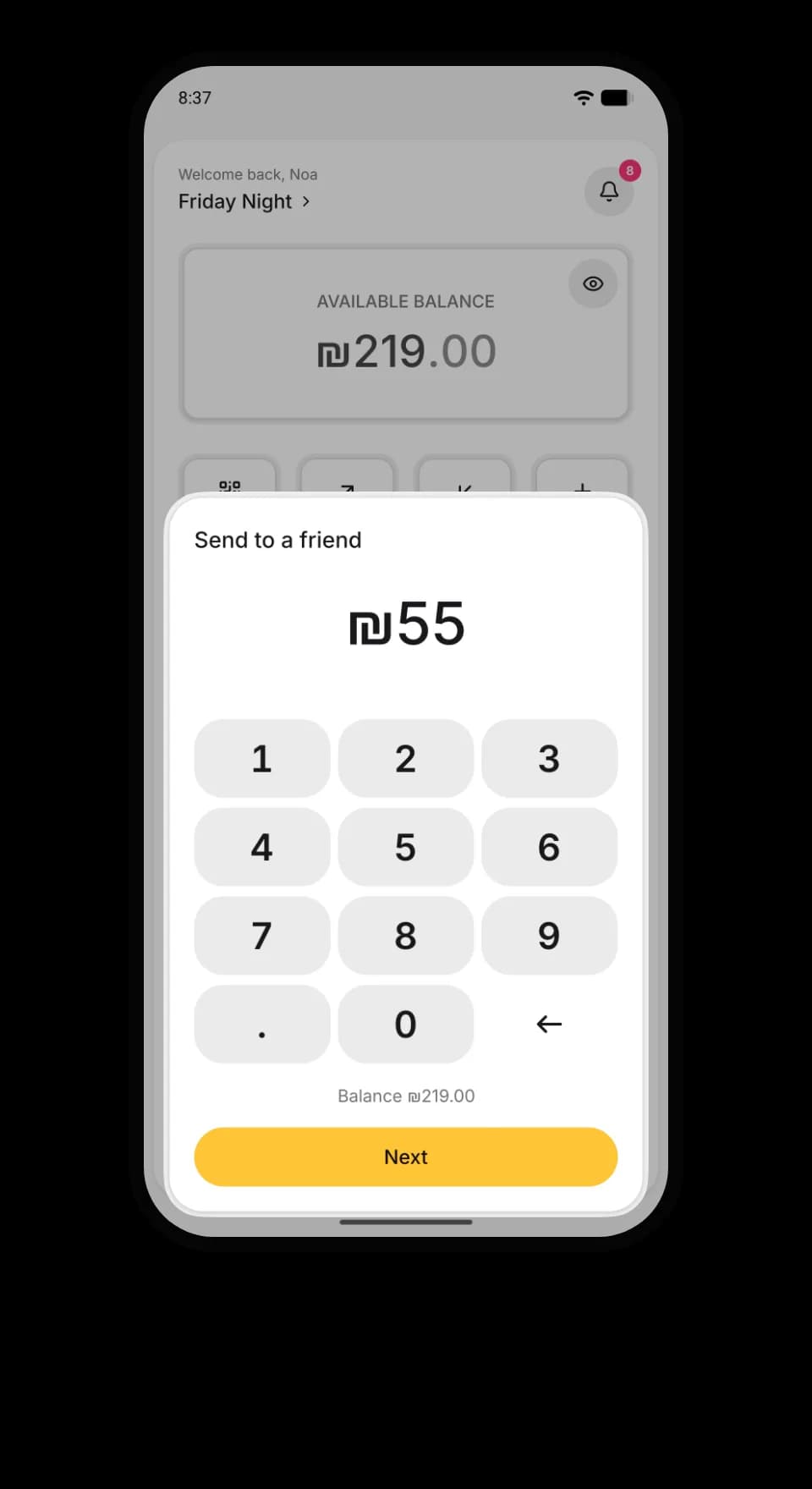
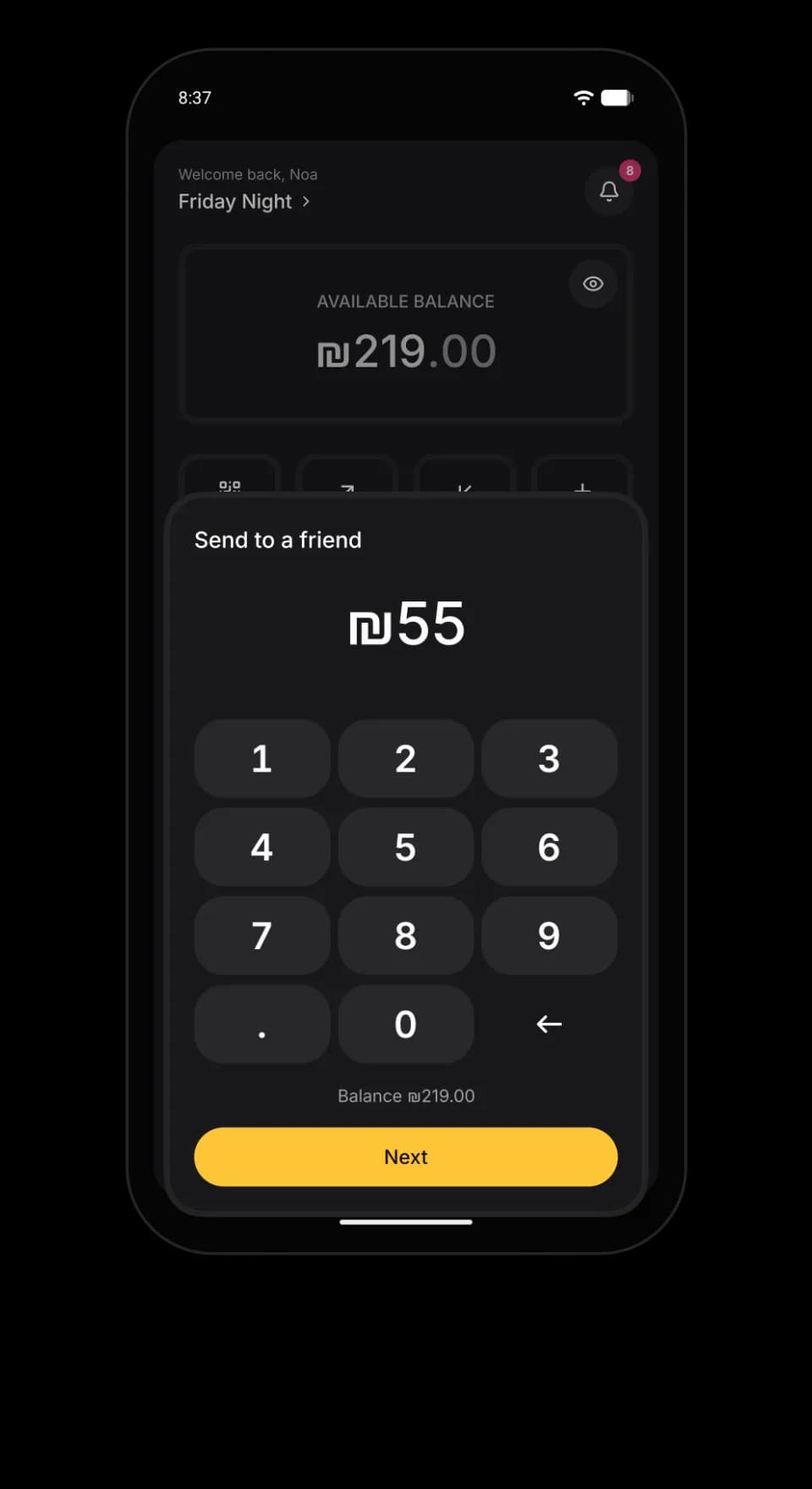
Send to a friend
Cover a round at the same place.
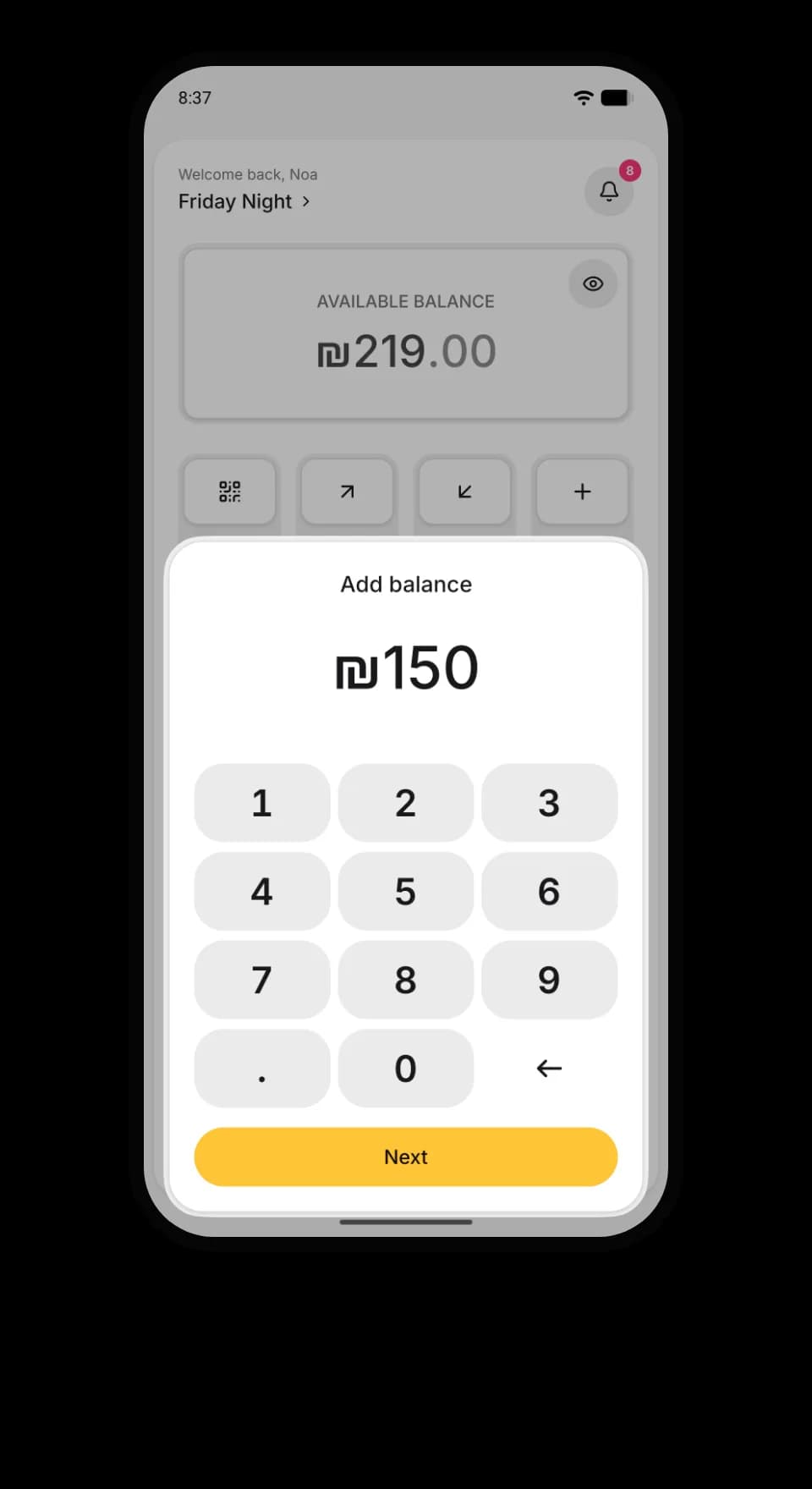
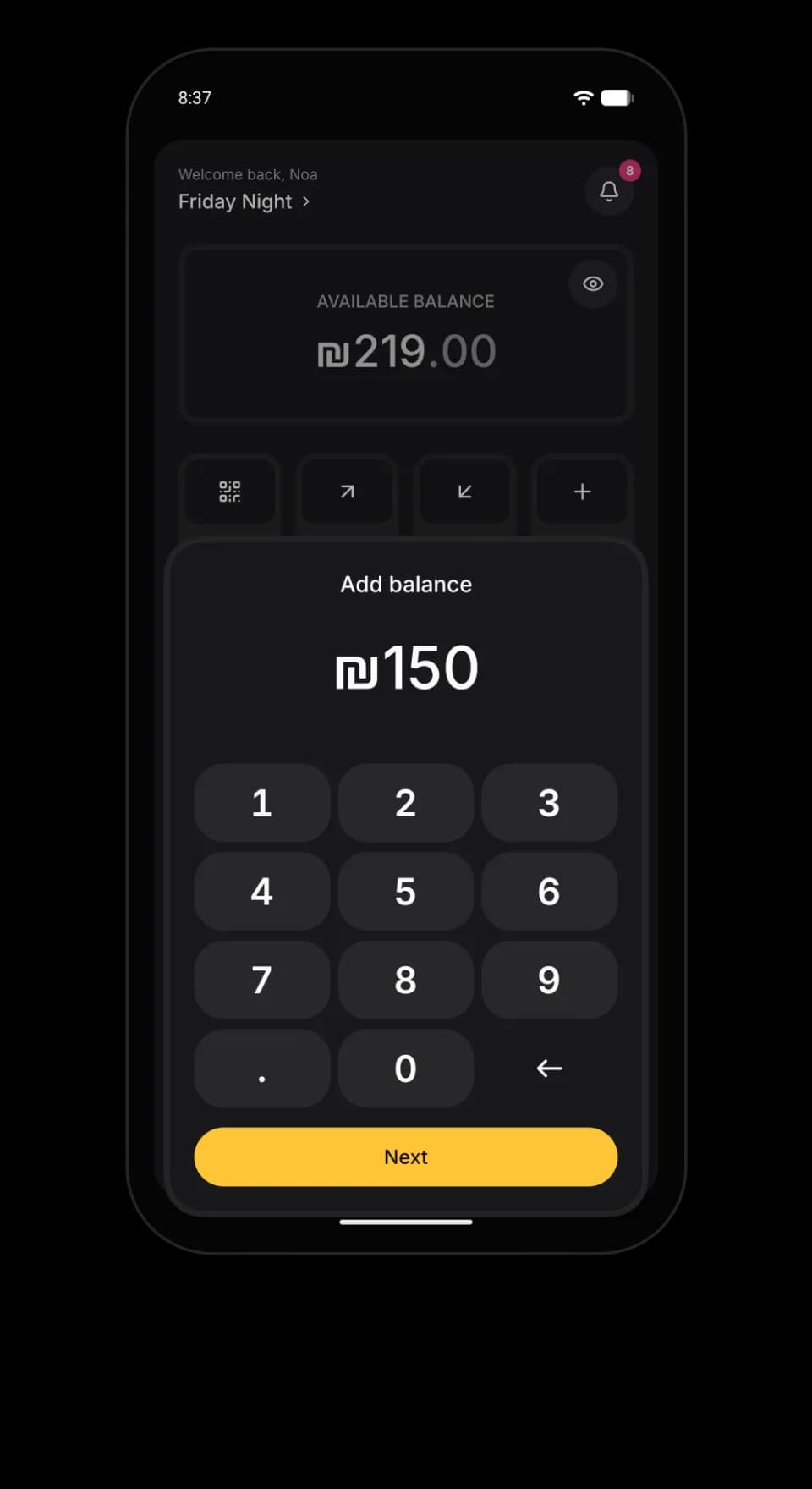
Top up from the table
Pick an amount, the door confirms it.
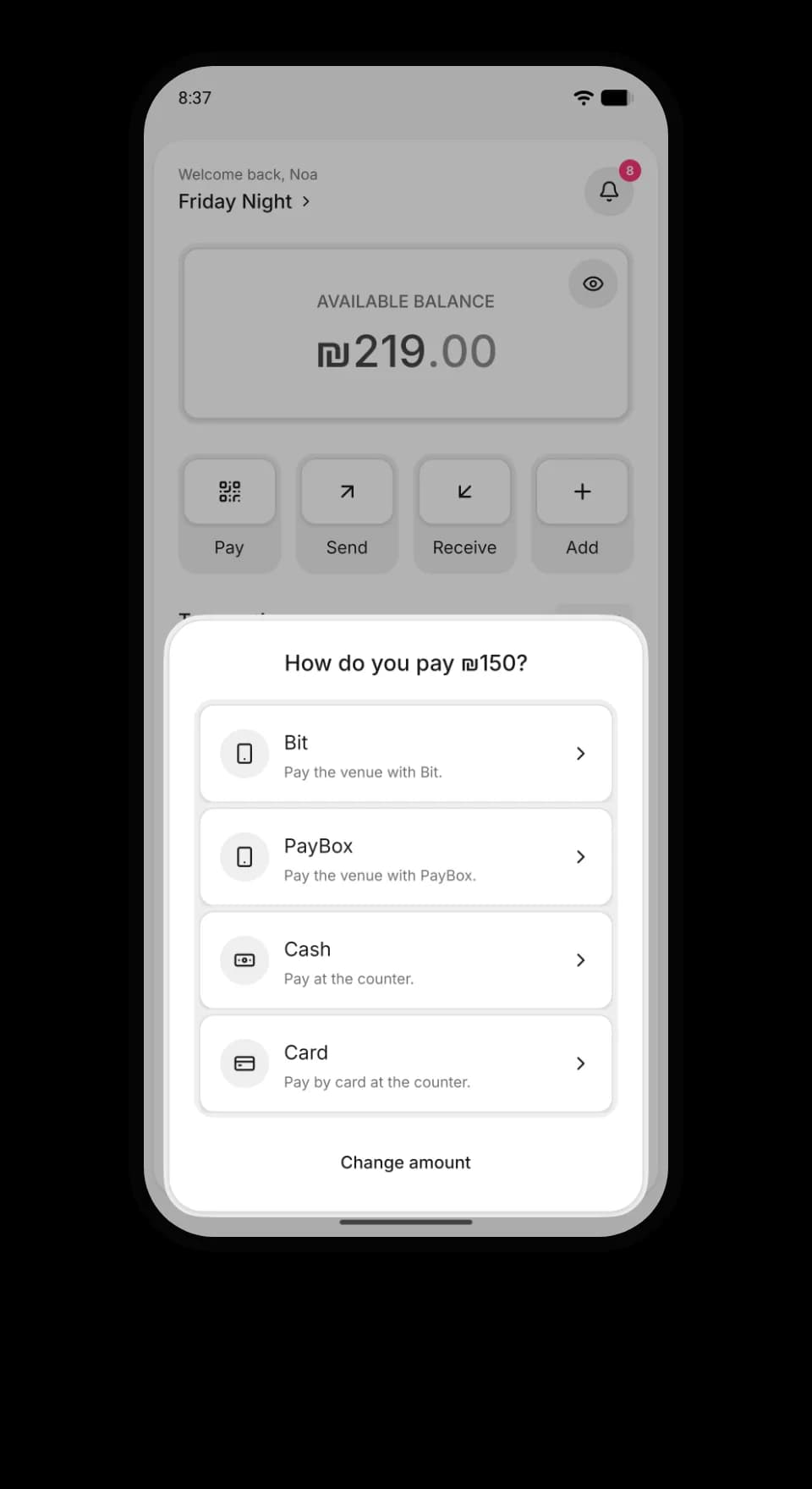
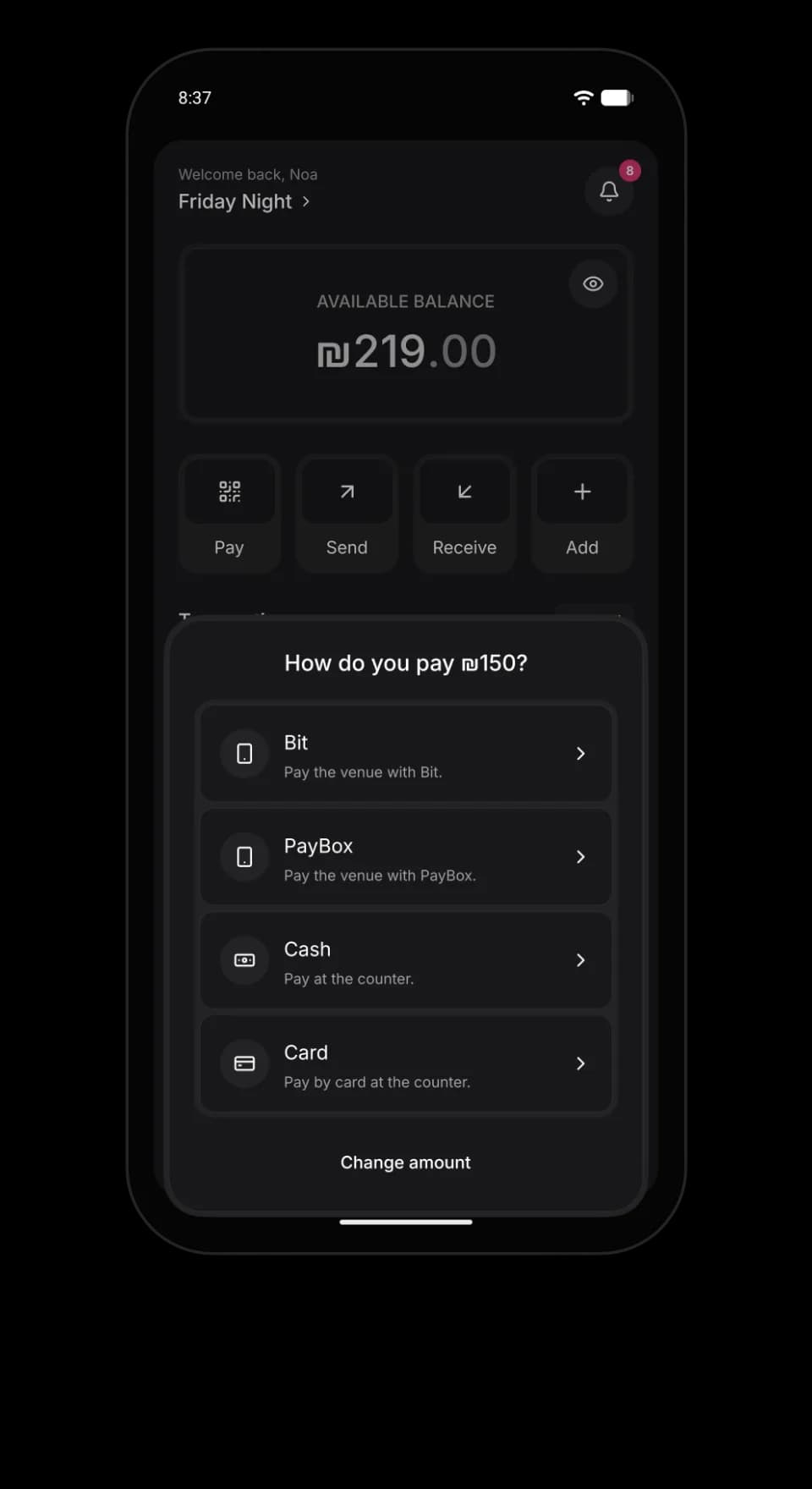
Pay your way
Bit, PayBox, cash or card.
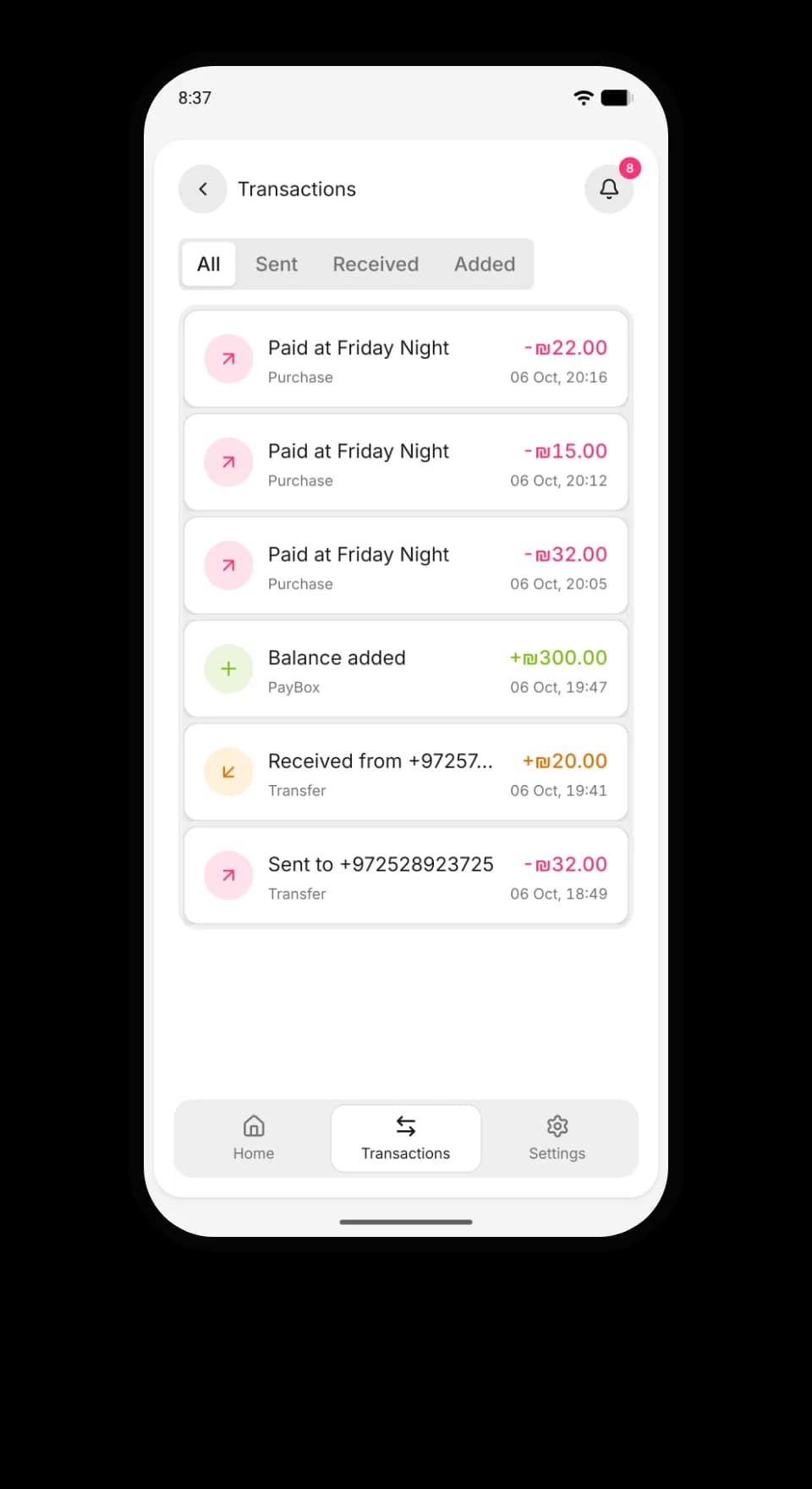
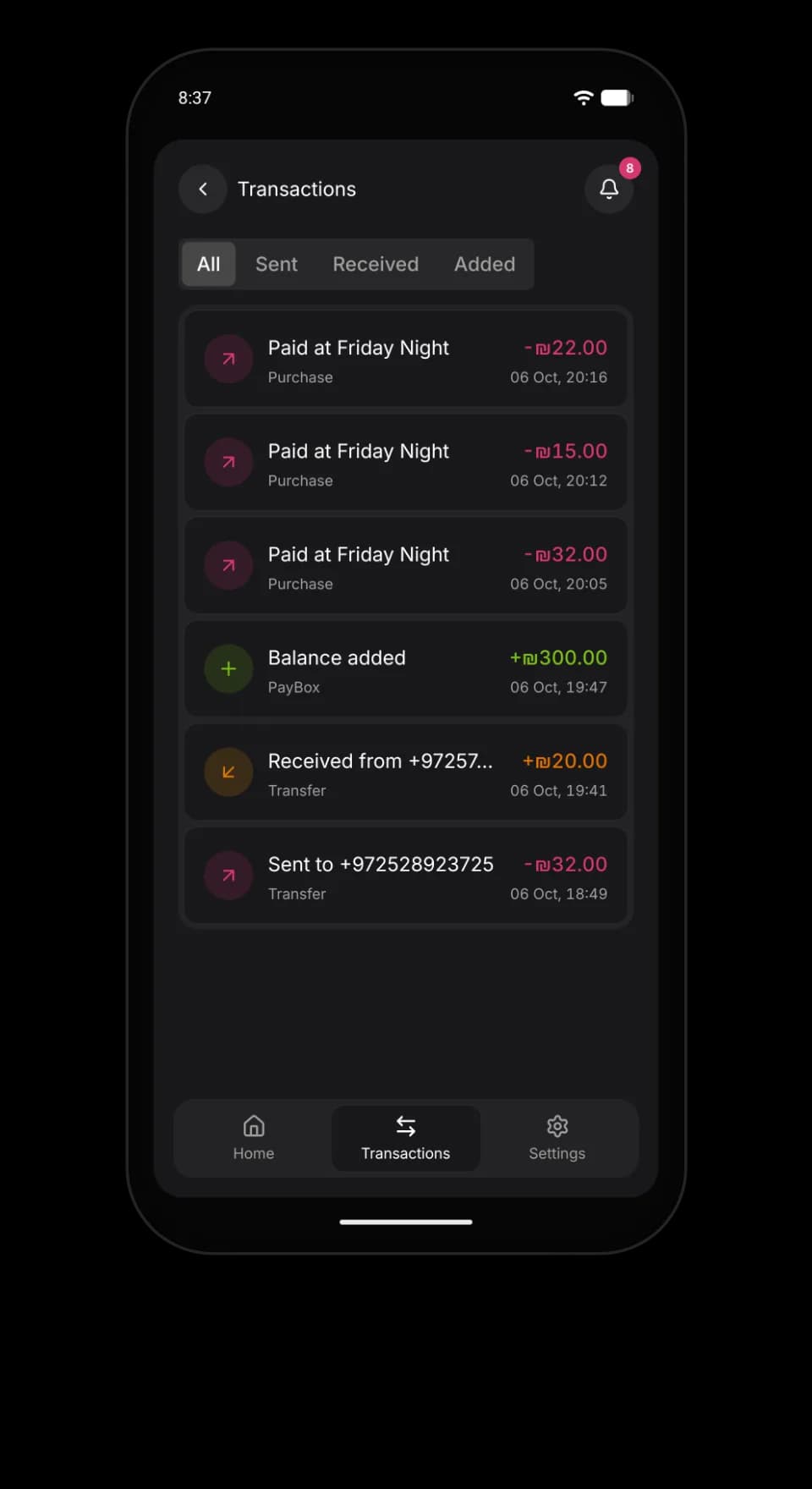
Every shekel
Top-ups, drinks and transfers with the time.
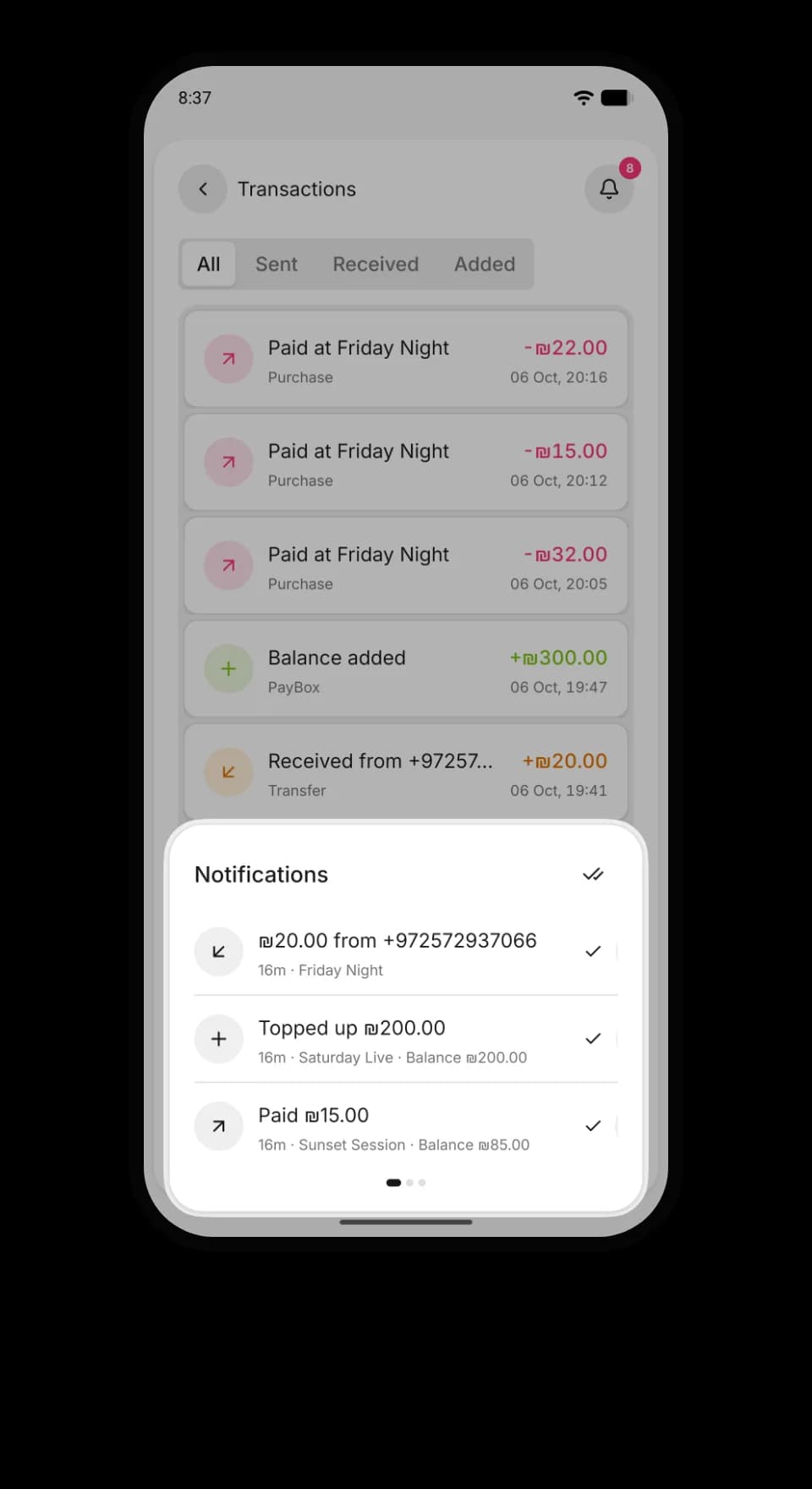
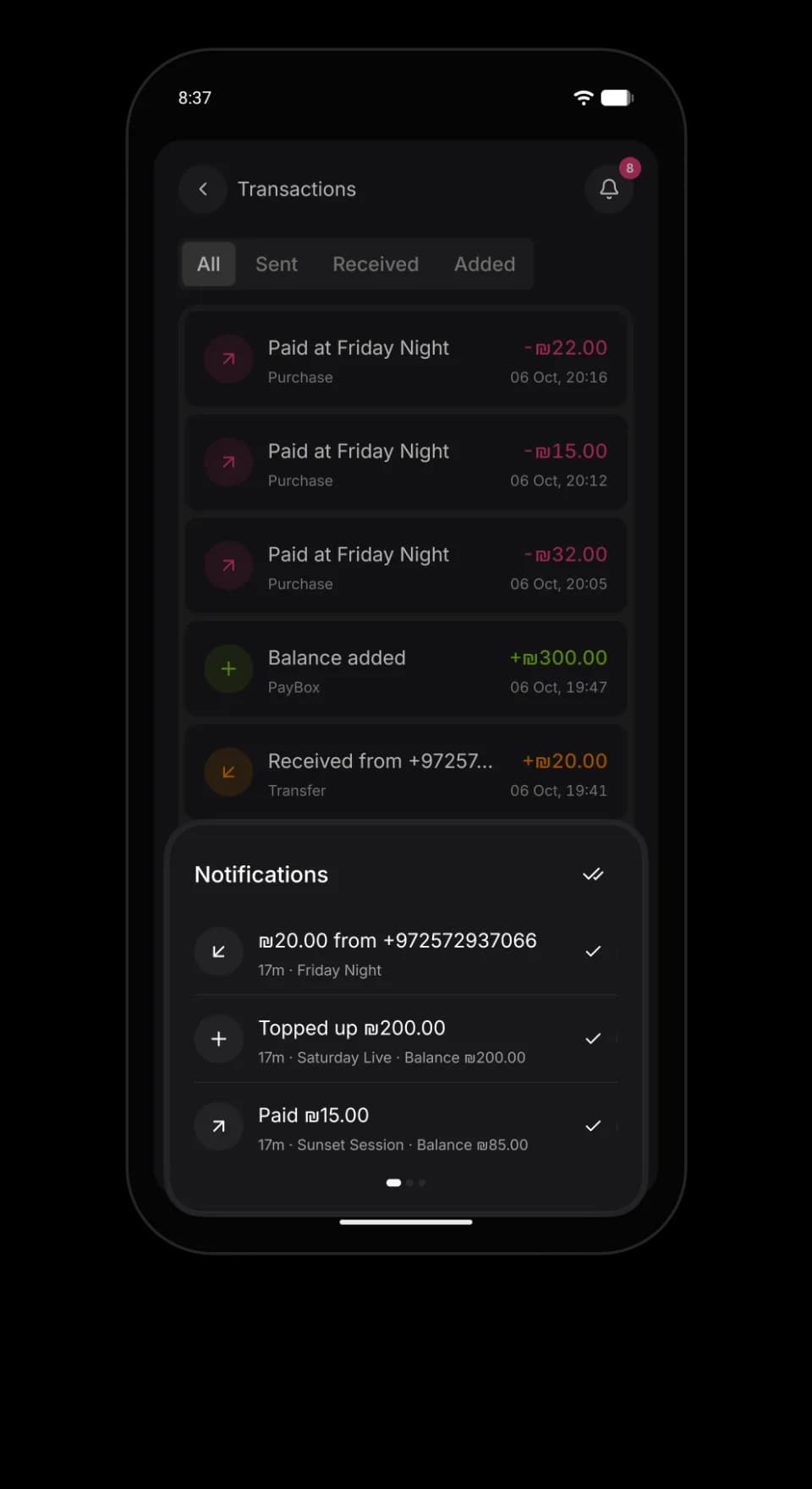
Know when money lands
Every top-up and transfer, at every venue.
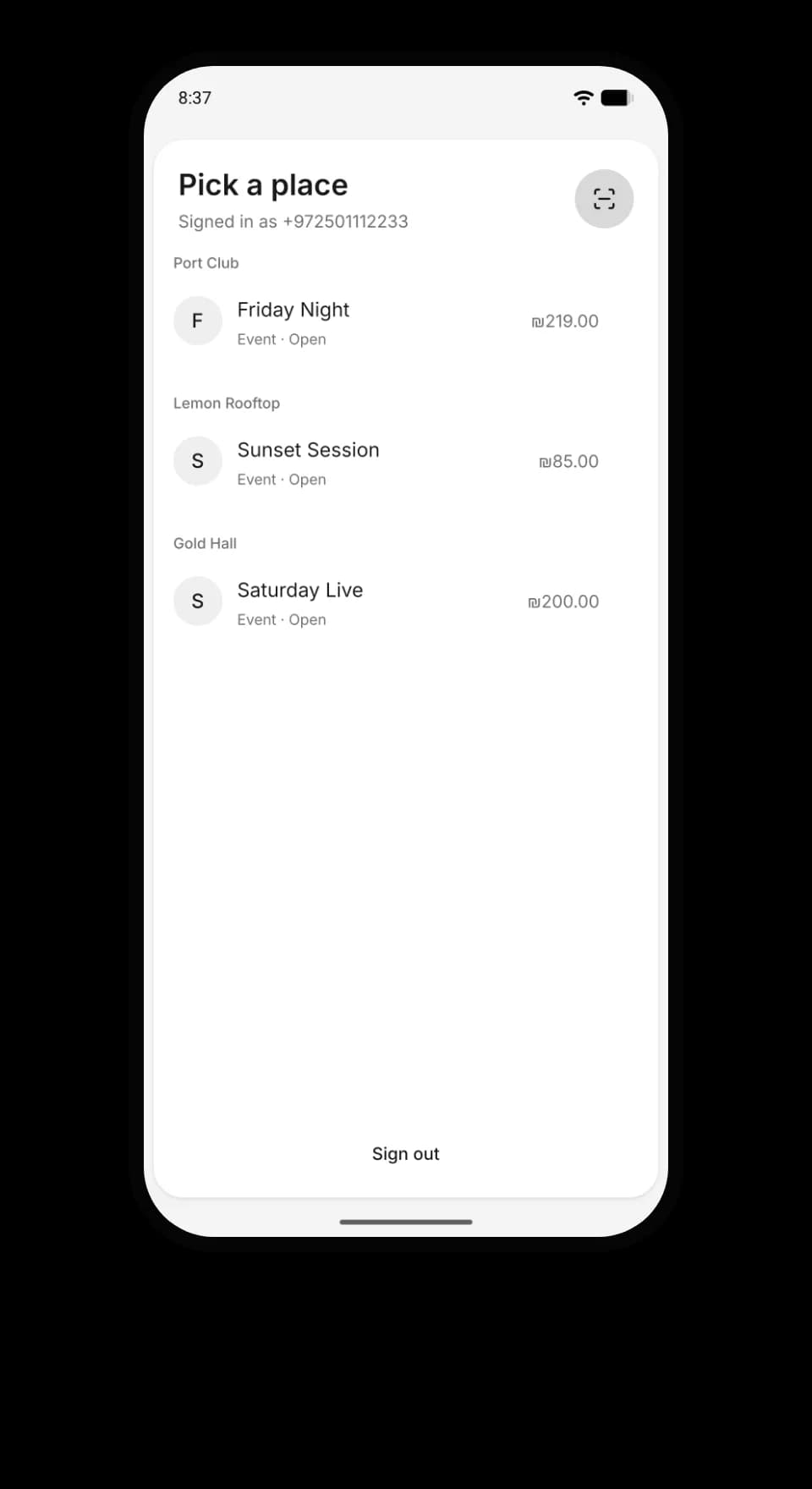
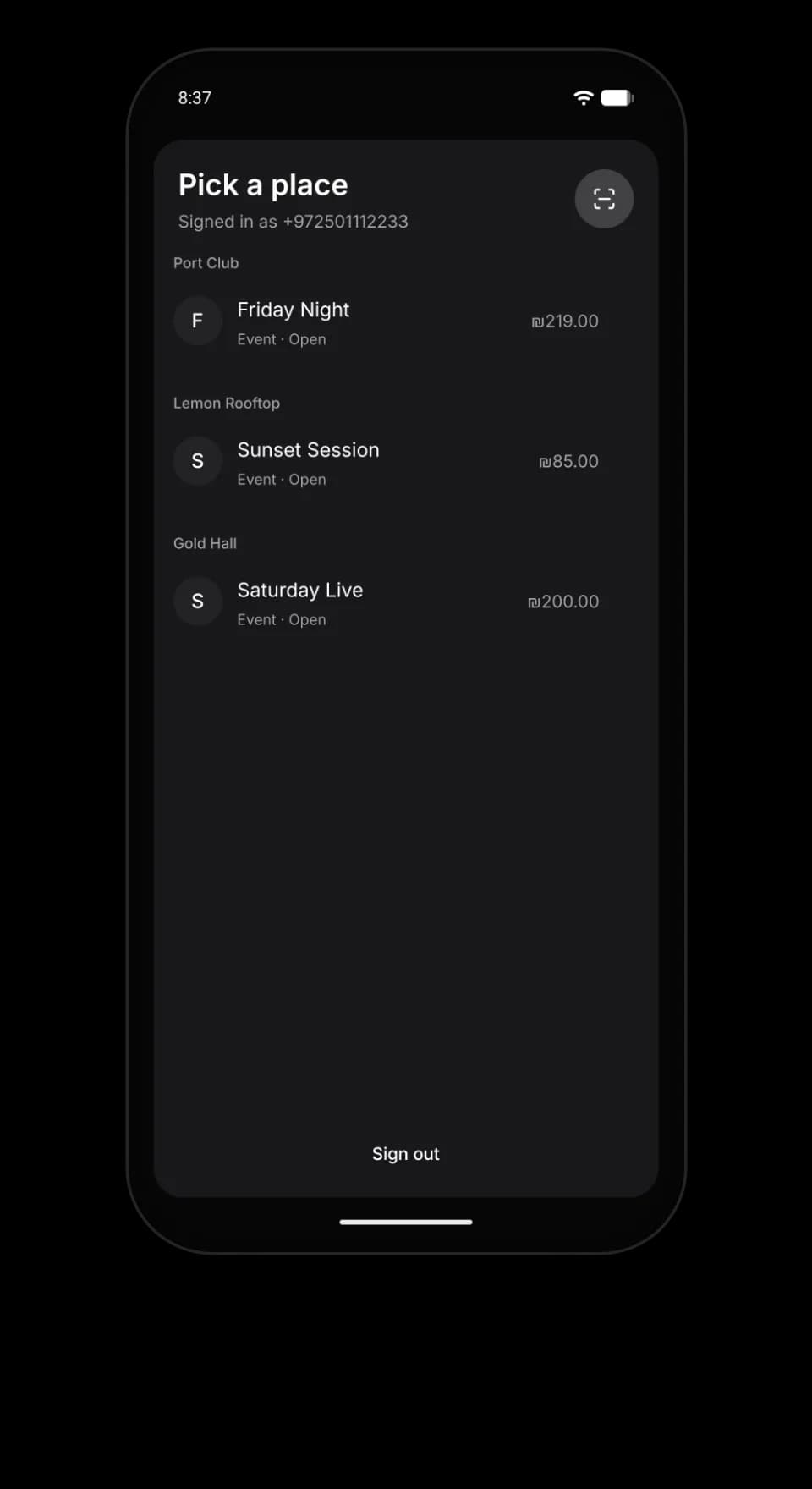
Every venue in one list
Each with its own balance.
For the venue, on phone and computer
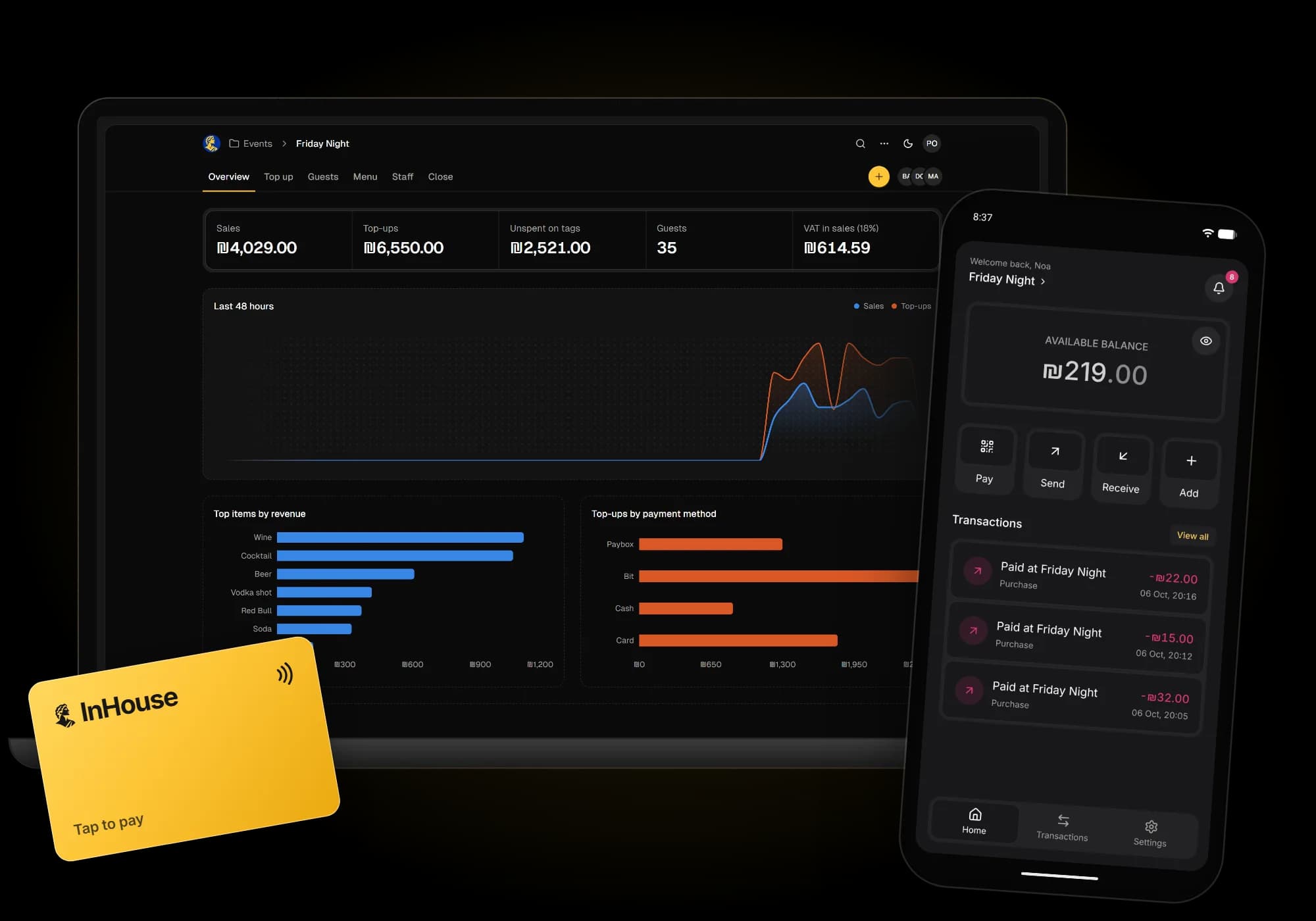
The manager's dashboard, the bar till and staff mode in the app. All live, on what you already own.
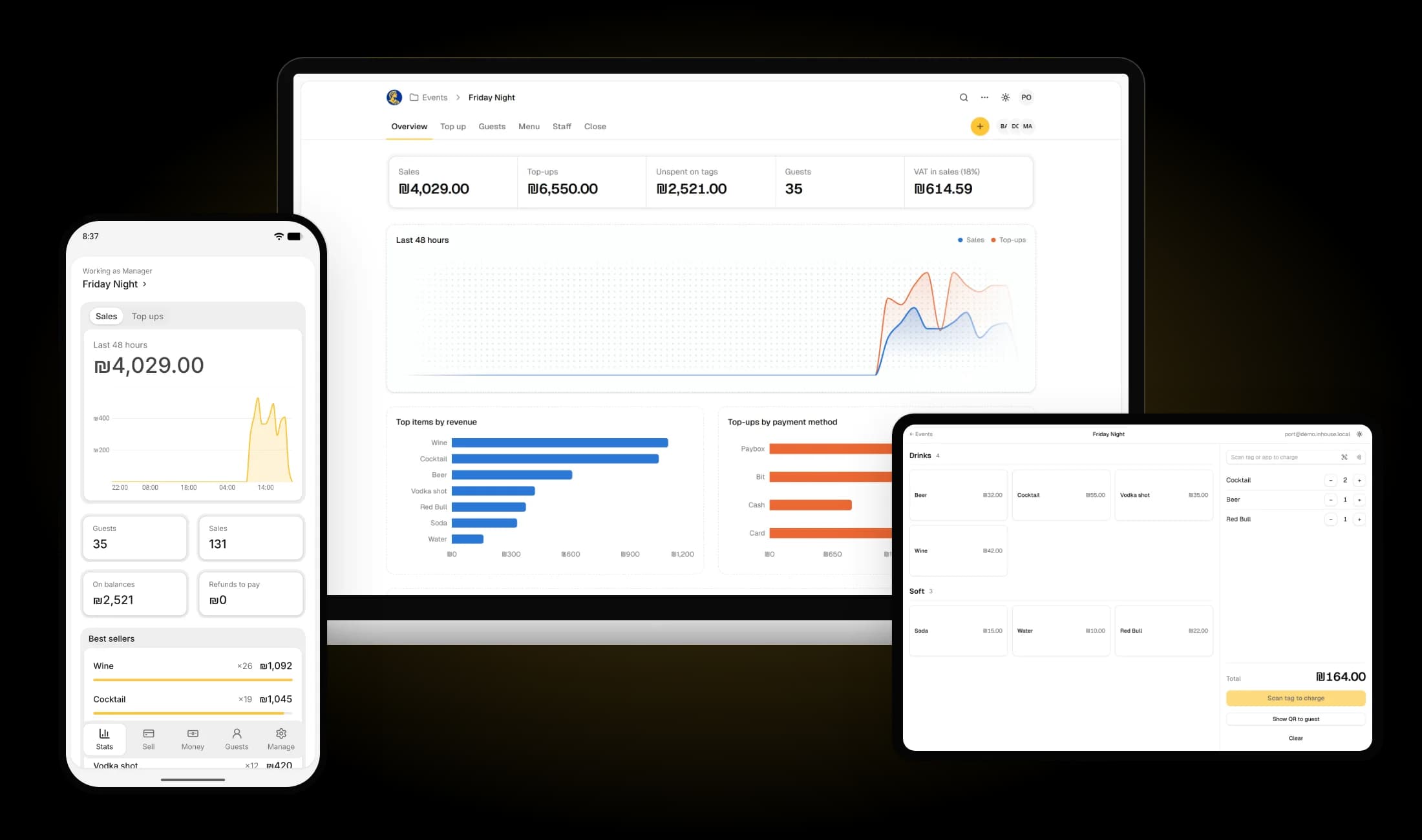

Events and menu
Each night is an event with its own menu, prices and photos.
Staff by role
Add staff as manager, door or bar. Each sees only their screen.
Live numbers
Sales, top-ups, unspent balance and VAT, as it happens.
Tags you control
Each tag belongs to one guest. A lost one is off in one click.
Open or private
Guests join by your code, or you approve each request.
Transfers your way
Let guests send money to each other, or turn it off.
Questions
What venues ask before their first night.
Ready for Friday?
Create your venue and first event in a few minutes.